The TabParcel playground

A little of everything.
Ready to try.

Collect a paragraph. Capture a scene. Make a file your own. Try all 18 tools on one page of original sample materials.

Open to everyone · Desktop Chrome 148+ for the extension · Samples stay available to download

A cream observation hut, dune grasses and two seabirds beside a quiet teal bay
Field notes / 01 An original AI-generated illustration of a fictional place.

Bring your extension. Open TabParcel on this tab, choose a tool, and use the checks below. This page supplies the materials; collection and editing happen in your installed extension. The planned first release is 1.0.0; a public store link is still pending.

The page itself needs no account. Extract current page and Send to keep their usual sign-in and access requirements. Cloud uploads and operating-system recording permissions need their own real-world checks.

For repeatable comparisons, downloadable files and sample text keep their original language. Navigation and instructions follow your website language.

Pick your starting point

18 tools. One place to practice.

Jump to a sample, open the matching tool in TabParcel, then compare the result.

Capture checkpoint / TOPStart of the sample collection

A small story, worth keeping.

Select a sentence for a short clip, or collect the whole article. Check the heading, paragraphs, list, quotation and image before exporting.

Fictional field journal · 08:30

A morning at the coastal field station

At 08:30, a small team follows the path from the observation hut to the dunes. The sea is calm and the light is warm. A notebook, a map and a water bottle are ready for the short walk.

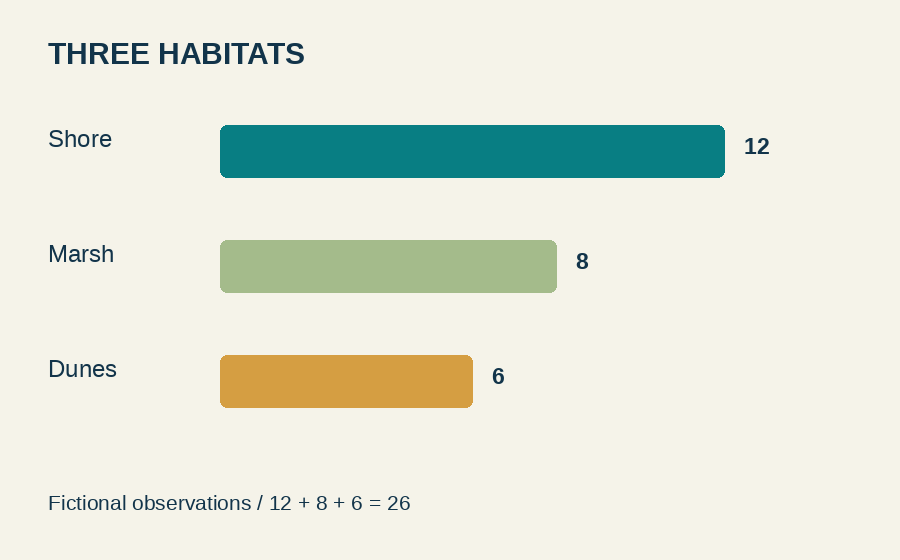
At the marsh, the team records eight fictional observations. The shore adds twelve and the dunes add six. Together the three habitats contribute twenty-six observations. These numbers are sample data, not real research.
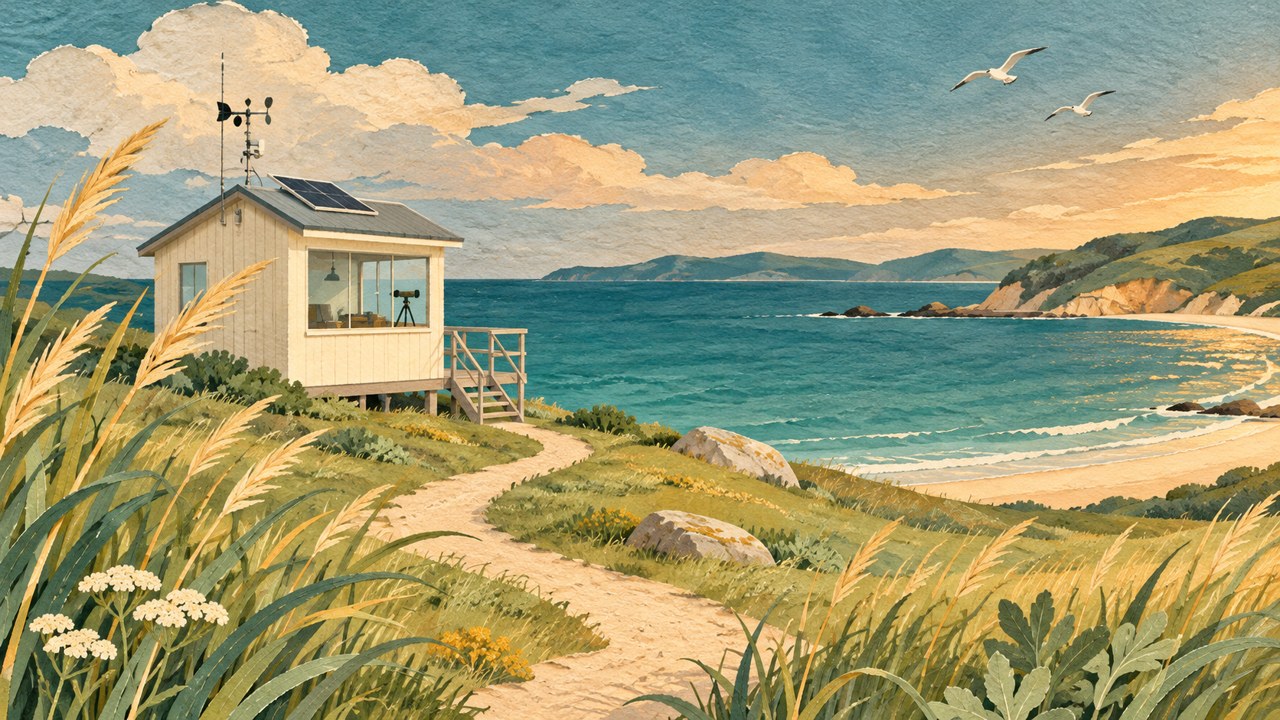
The fictional coastal observation hut and its sandy path
The sandy path connects the hut to the shoreline.

Three things to notice

  • The heading and paragraph order.
  • The original image and its caption.
  • Numbers, emphasis and the quotation below.
“Collect a useful piece, check it carefully, and keep it in a format that works for the next task.”

Before leaving, the team checks the supply list, saves an image and writes a short summary. The field note is ready to download as plain text or read as a one-page PDF.
Check: selection-only extraction should contain the text you selected. Full-page extraction will also include navigation and the other practice sections. Different tools can identify the main article differently.

Three formats, ready to collect.

Run Page images, find these filenames, then preview, copy or save an original. The same coastal illustration appears more than once on this page so you can also observe duplicate handling.

Coastal field station illustration, JPG sample
coastal-station.jpg1280 × 720 · 292.2 KiB
PNG chart: Shore 12, Marsh 8, Dunes 6
habitat-chart.png900 × 560 · 15.5 KiB
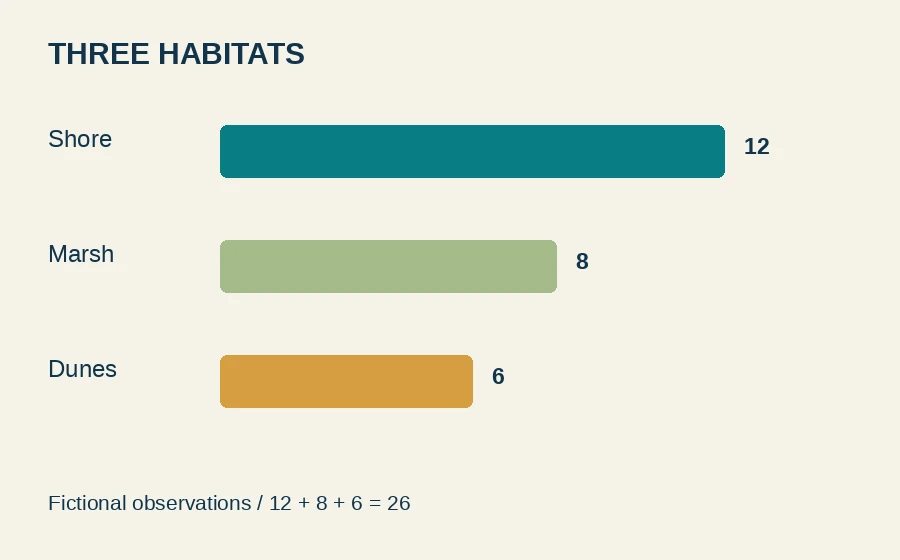
The same habitat chart encoded as WebP
habitat-chart.webp900 × 560 · 10.5 KiB

Check: the original formats and dimensions above. Other images, including the logo, poster and OCR sample, may also appear in results. Format and size filters help narrow them down.

A vector. A canvas. A clear comparison.

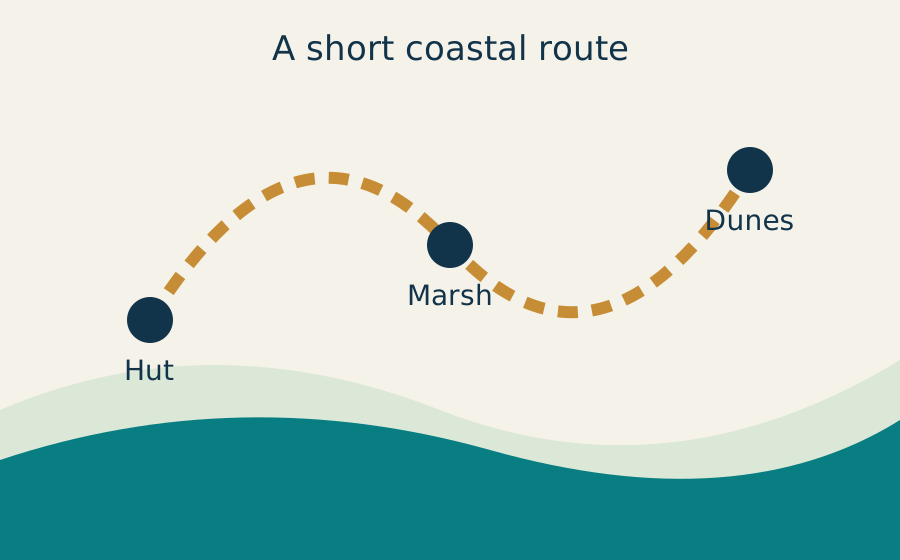
Use Web graphics to collect the inline route map and the Canvas chart. Preview each result, then compare an SVG export with a raster image.

Field station route mapA route joins three labeled stops: Hut, Marsh and Dunes.HutMarshDunesA short coastal route
Inline SVG / 900 × 560Download the vector →
Shore: 12. Marsh: 8. Dunes: 6. Total: 26 fictional observations.
Canvas / 900 × 560JavaScript draws this chart. The PNG sample contains the same values.

Check: three labeled route stops in the SVG, and bars for 12, 8 and 6 in the Canvas. The page’s interface icons may appear as additional graphics.

A table with answers you can check.

Extract the table below. Try all rows, a selected row range, and a subset of columns; export to CSV, XLSX or JSON.

Field station supply list
ItemQuantityMaterialCost USD
Notebook2paper6
Pencil4wood4
Water bottle2steel18
Map1paper3
Torch1metal12

Check: 5 body rows, 4 columns, quantity total 10 and cost total 43. The reference CSV has one header row plus the 5 records. Download reference CSV →

Capture checkpoint / MIDDLEContinue into files, sound and motion

Small files for a real download.

Run Files & attachments and find the filenames below. Download a sample through the extension and compare its size and content with the reference.

Check: these five named attachments. The ZIP contains field-notes.txt, supplies.csv, supplies.json, field-notes.pdf and habitat-chart.png. Other linked media and images may also be found.

Something to hear. Something to follow.

Play a sample yourself. Use Audio & video to discover its source, or start a recording from TabParcel and choose this tab. Include tab audio when Chrome offers it.

12 seconds / 960 × 540A moving marker, timer, three changing color blocks and synthetic narration.

Audio-only sample · 12 seconds

Read the spoken transcript

Welcome to the TabParcel playground. A small lighthouse stands beside the sea. One, two, three. This is the end of the sample.

Check: the moving marker and timer in a screen recording; the narration and “one, two, three” in an audio recording. Play the downloaded recording to check both picture and sound. Microphone and system audio availability depend on your device and permissions.

Frame a moment. Keep the whole page.

Scroll this target fully into view for a visible-area screenshot, or crop the marked card with Area screenshot. For a full-page capture, look for TOP, MIDDLE and BOTTOM checkpoints in their original order.

TOP LEFTTOP RIGHT

TabParcel capture sample

THE COAST IS CLEAR.0123456789 · A B C D E
BOTTOM LEFTBOTTOM RIGHT

Check: all four corner labels, readable numbers and four color blocks. A visible screenshot covers the viewport. A full-page screenshot covers the longer document and may be split if the extension’s limits are reached.

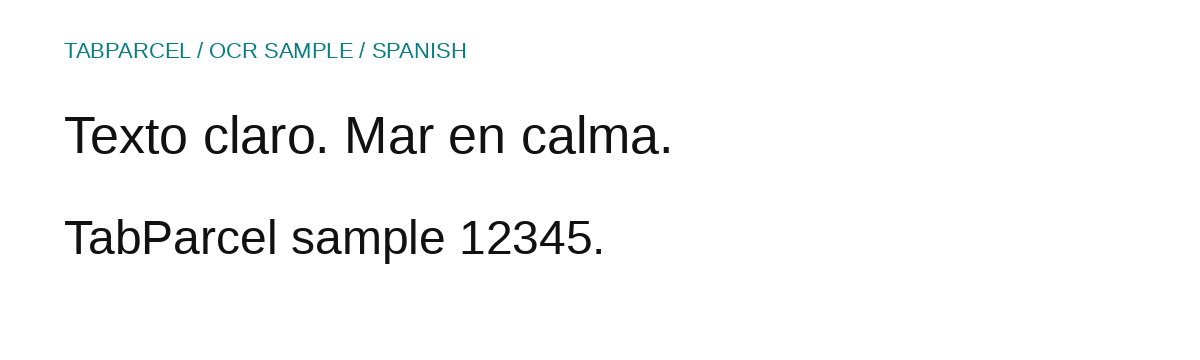
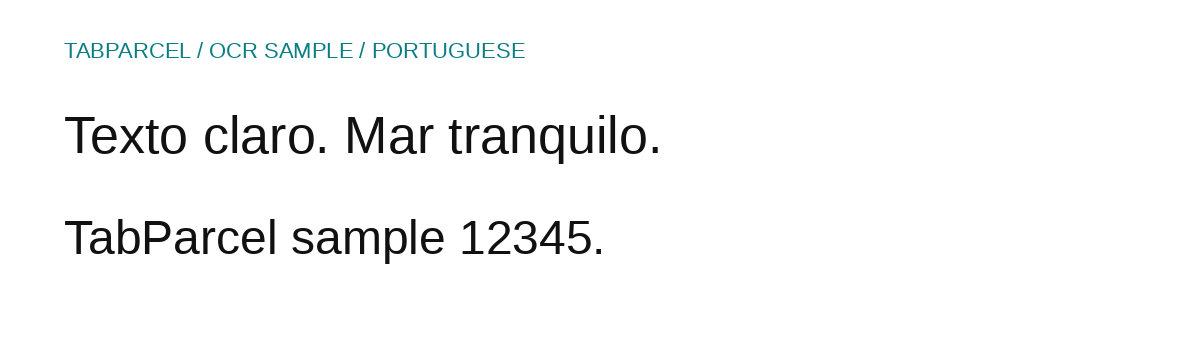
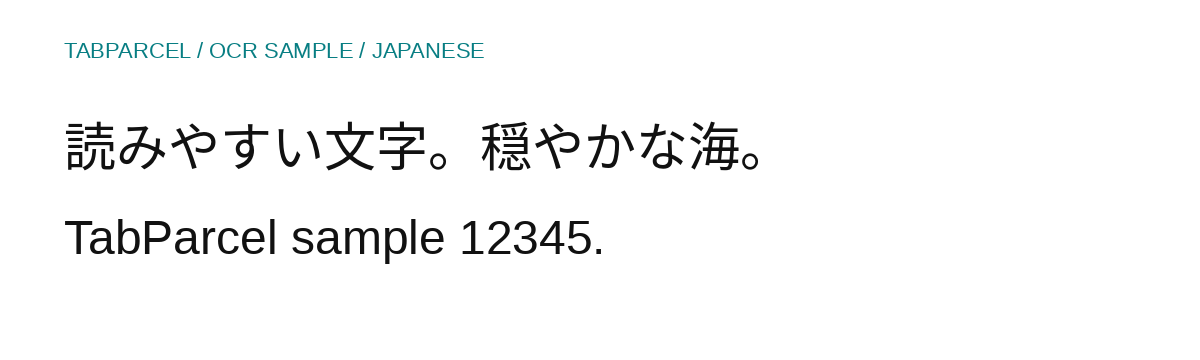
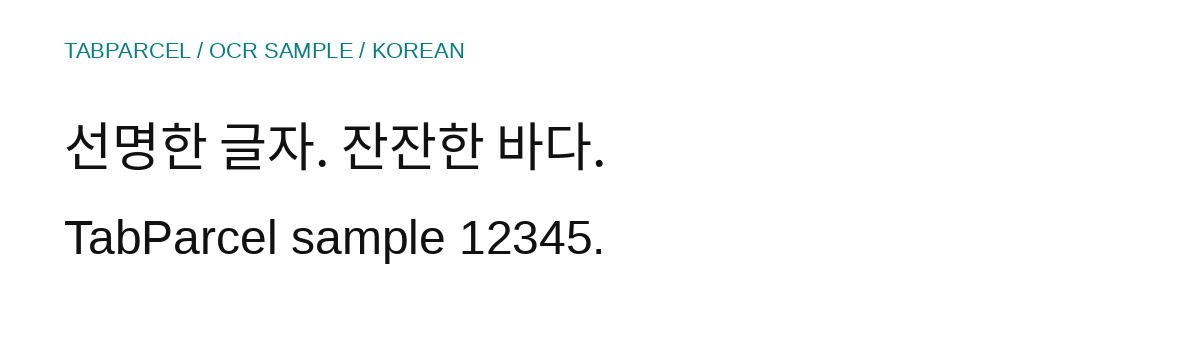
Clear print, in ten languages.

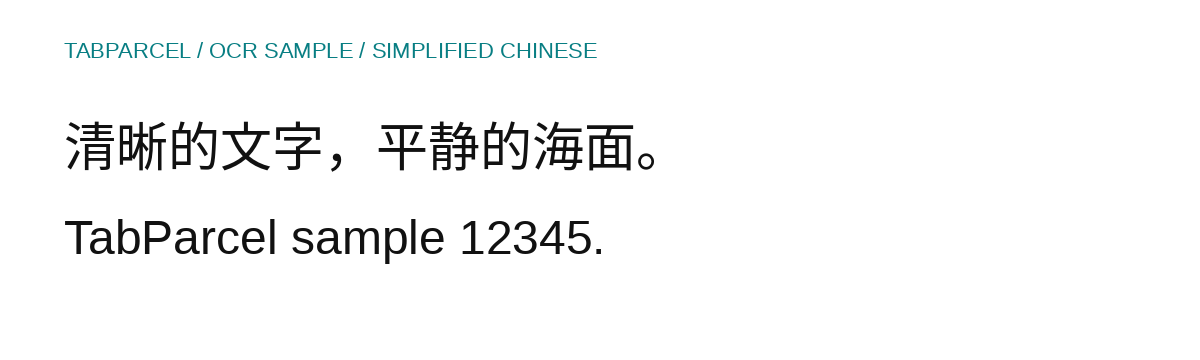
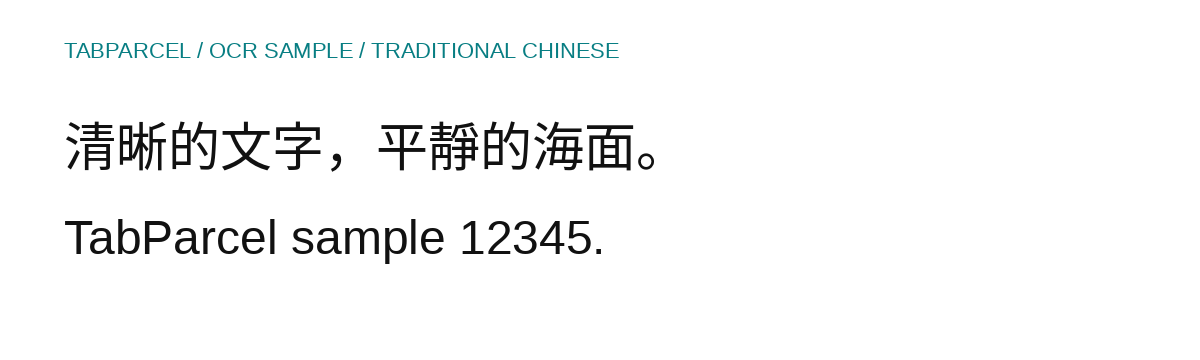
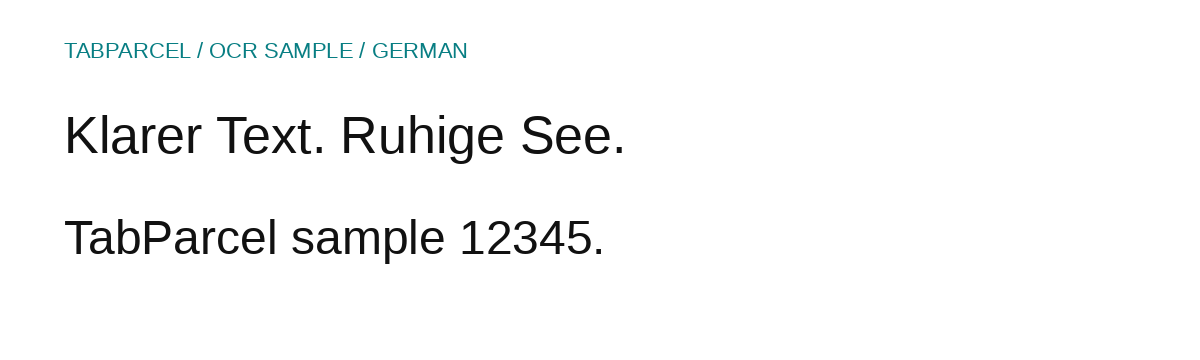
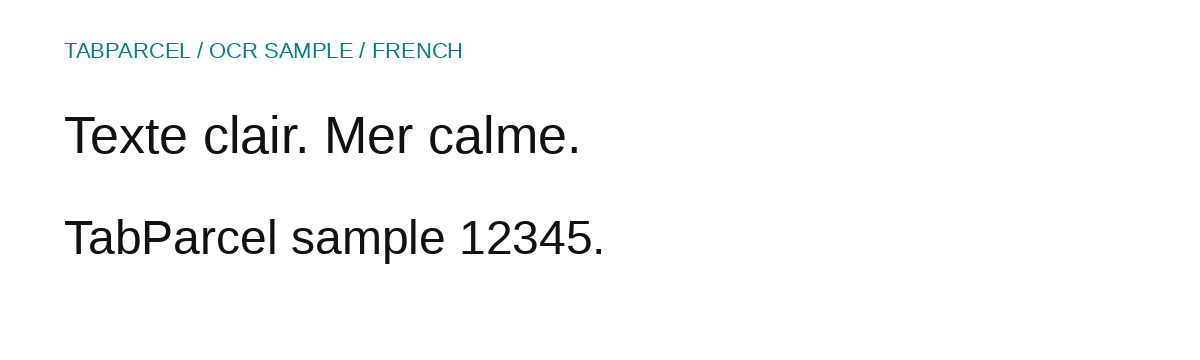
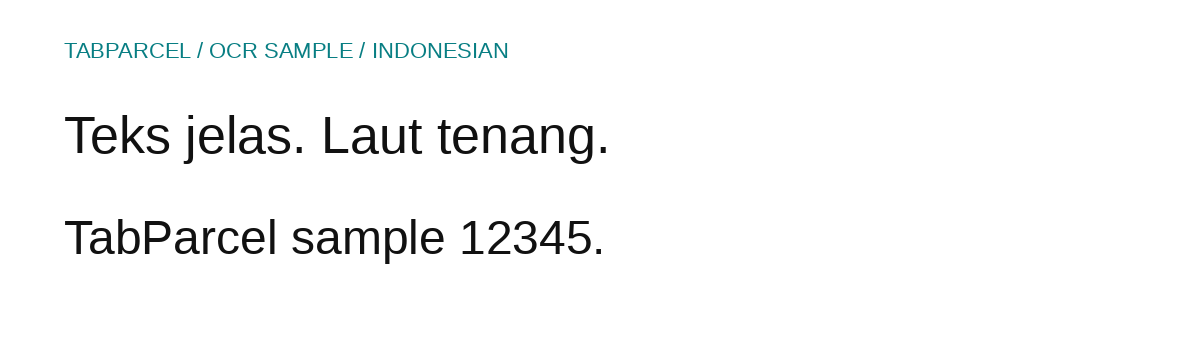
Choose a sample, open or download its PNG, then use Image OCR in TabParcel with the matching recognition language. Non-English samples also contain an English line.

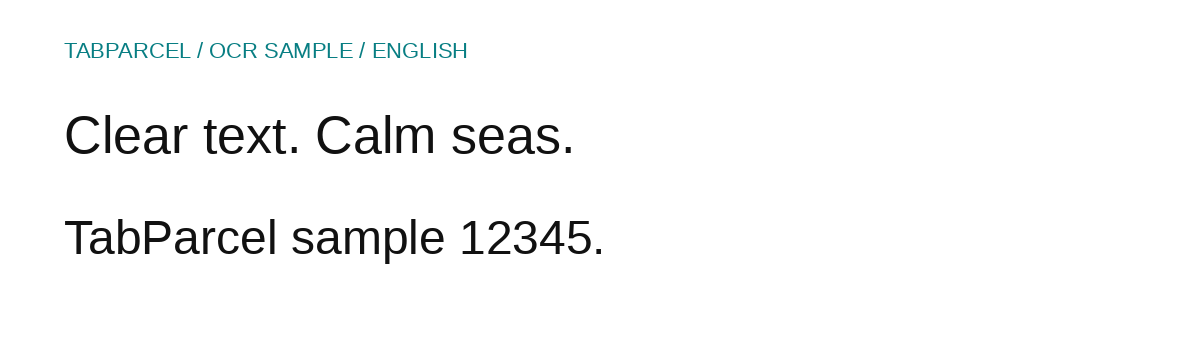
English OCR sample: Clear text. Calm seas. TabParcel sample 12345.
English / 1200 × 360Download this PNG →
Compare with the reference text
Clear text. Calm seas.
TabParcel sample 12345.

The image also has a small English heading. Recognition can vary in punctuation, spacing and line breaks; review and edit the result.

Open any sample directly

This list also works when JavaScript is off.

Keep a copy in your own format.

PDF

Print this page

Open Chrome’s print dialog and select the TabParcel destination. Inspect the received PDF, try text copy and save it. Print layout hides navigation and interactive controls. Audio and video appear as static references.

MHTML

Take it offline

Scroll to load the images, draw the Canvas, and save with Offline archive. Reopen the result without a network and check text, images and the supply table. Unloaded media and interactive scripts may not be preserved.

CARD

Make a page card

Use Page card on this tab. Check the title “Try All 18 Tools in the Extension Playground”, the description and the coastal cover image. Edit the card, then export an image or structured format.

Check: Chrome’s own “Save as PDF” is a separate flow; select TabParcel to test the extension’s PDF intake. The sample PDF attachment is also available if you just want a small reference document.

Three links. A small batch.

Copy this list into Batch downloads in the extension. Review the three entries and start the download. All addresses point to the public samples on this website.

Check: coastal-station.jpg, supplies.csv and field-notes.pdf. Compare names, content and the sizes listed above. You can also use the supplied files to try Send to in an open, supported cloud folder with your usual account access.

Capture checkpoint / BOTTOMEnd of the sample collection

Keep exploring

Try it here. Then take it to your own tabs.

These original fictional samples are available to save, edit and reuse for practice. The illustration is AI-generated; the voice and animation are synthetic. A successful run here is a useful starting point for checking other websites, cloud folders and device permissions.

Website analytics preferences

Google Analytics is optional and off until you allow it. It measures visits to public website pages using a random browser identifier and cookies. Your choice does not affect browsing, your account or extension access.

We exclude account, administration and sign-in pages. Website and extension preferences are separate. You can change this choice here at any time.

Read the privacy details